
Introduction
Technology has quietly become the co-curator of modern exhibitions. Whether you’re wandering a museum, walking the floor of a trade show, or stepping into an art installation, digital tools are shaping how you discover, learn, and remember. But how exactly does tech transform an exhibition from a static room full of objects into an experience that lingers? Let’s unpack it.
Why Technology Matters in Exhibitions
Think of a traditional exhibition as a printed book — beautiful, informative, but one-way. Technology turns that book into an interactive tablet where every page can change based on who’s reading. That matters because visitors now expect engagement, instant context, and personalization. An exhibition that uses tech well doesn’t just show — it guides, explains, adapts, and invites participation. The result: longer visits, stronger memories, and higher likelihood of sharing the experience online.
Evolution of Exhibitions: From Static to Interactive
A brief historical snapshot
Exhibitions once relied on labels, glass cases, and brochures. This “see-but-don’t-touch” model was safe but passive. The last two decades brought a revolution: touchscreens, projection mapping, AR overlays — each new tool moved exhibitions from silent displays to dynamic dialogues.
Changing visitor expectations
Today’s audiences are digital natives and digital immigrants alike — both want context, personalized narratives, and immediate ways to interact. Visitors no longer tolerate dense walls of text; they crave stories told through motion, sound, and interactivity. If your exhibition is silent and static, it risks being ignored.
Core Technologies Transforming Exhibitions
Technology isn’t a single thing — it’s a toolbox. Below are the tools most commonly used to enhance exhibitions and the visitor experience.
Augmented Reality (AR) & Virtual Reality (VR)
AR overlays digital content on the real world; VR transports visitors to fully virtual spaces. Together they let curators recreate lost artifacts, demonstrate processes at scale, or let visitors “walk inside” a painting. For example, AR can label components of a machine while VR can let users experience a historical event as if they were there.
Use cases & best practices
- Use AR for on-site context (e.g., “lature here to see this object in use”).
- Use VR for immersive storytelling where presence matters (e.g., historical re-creations).
- Keep sessions short and provide seating — VR sickness and fatigue are real.
Touchscreens, kiosks & interactive displays
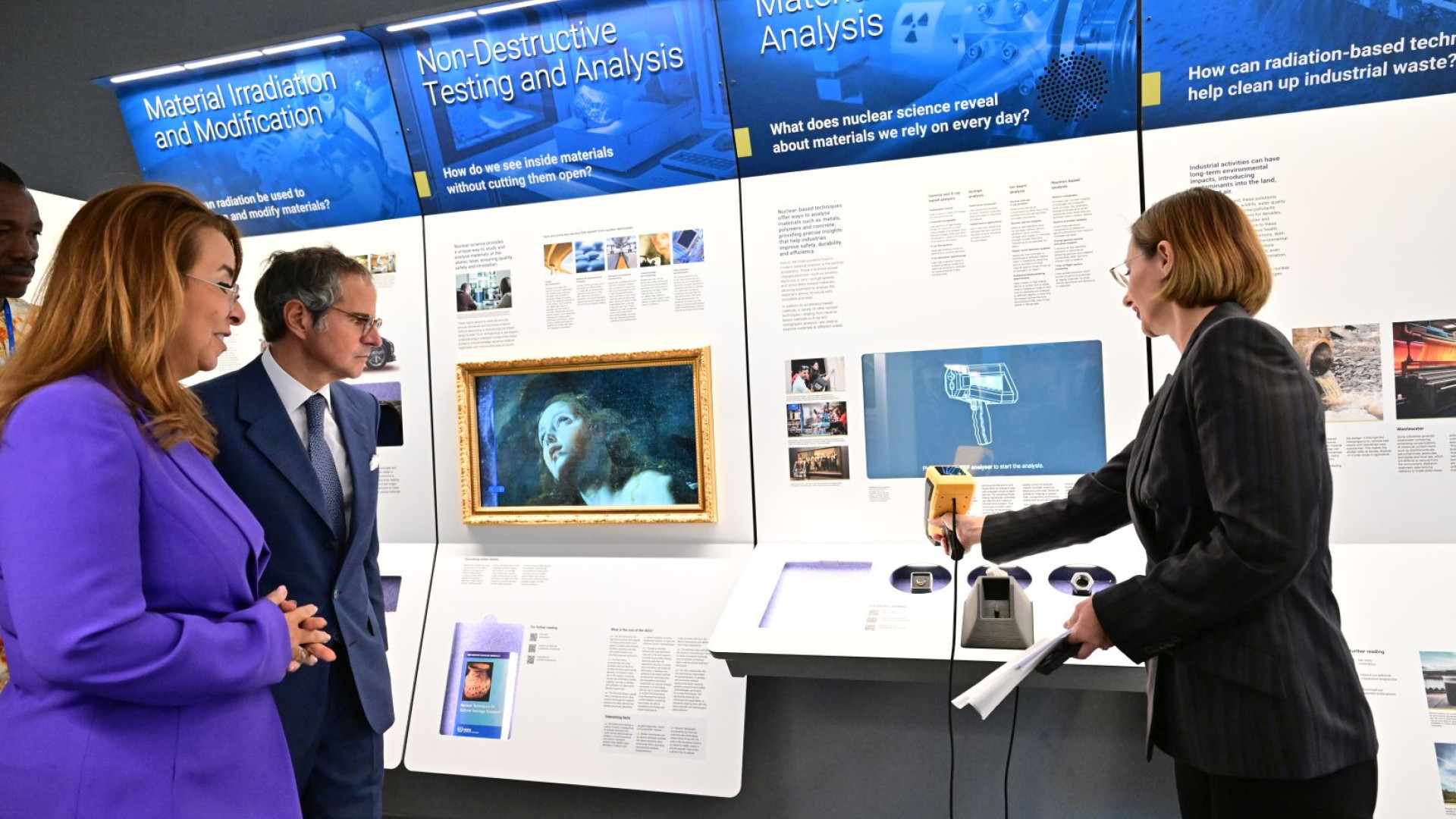
These are the bread-and-butter tools: searchable databases, zoomable art images, interactive timelines. The trick is to make them intuitive — visitors should feel they’re playing rather than struggling with a UI.
Internet of Things (IoT) & sensors
Sensors can detect dwell time, foot traffic, and interactions. IoT devices can change lighting, play audio, or trigger content in response to motion — creating exhibits that react to you as you move.
Beacons, NFC & mobile integration
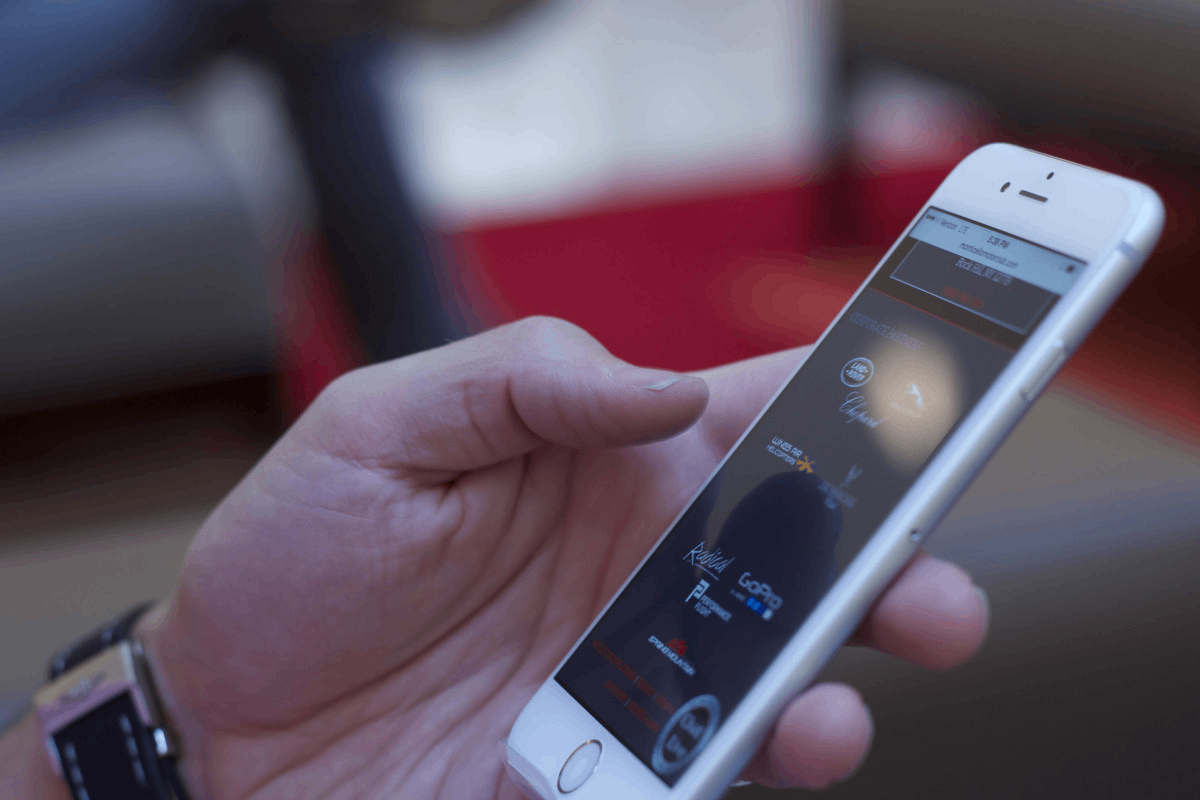
These let your visitors’ phones become personalized tour guides. A beacon can push relevant media to a visitor’s device when they approach an artifact; NFC tags can unlock exclusive content. Mobile integration also enables ticketing, scheduling, and push invitations to return.
Artificial Intelligence (AI) & data analytics
AI powers personalization engines, chatbots, and automated summaries. On the back end, analytics turn raw sensor data into actionable insights — which exhibits held attention, which route did most people take, what content got shared? That feedback loop is gold for curators.
Projection mapping & immersive audio-visuals
Projection mapping can turn walls, floors, and even artifacts into moving canvases. Paired with directional sound, scent machines, or tactile floors, it creates a multisensory narrative that’s hard to forget.
Digital signage & smart wayfinding
Large-format signage and dynamic maps help reduce friction. Eye-catching, data-driven displays can manage crowd flow (displaying wait times, alternative routes), and help visitors discover content relevant to them.
Designing for the Visitor Experience
Technology without design is just gadgets. Design connects tech to human needs.
Personalization & recommendation engines
Imagine an exhibition that notices you linger at impressionist paintings and then recommends a short path of similar works — that’s personalization. Recommendation engines can make large exhibitions feel intimate.
Accessibility & inclusive technology
Tech can dramatically improve accessibility: audio descriptions for the visually impaired, adjustable text sizes, sign language avatars, and tactile 3D prints of objects. Inclusive design ensures everyone leaves with a meaningful experience.
Engagement design: gamification & storytelling
Games, scavenger hunts, and badges turn passive visits into active quests. Story-driven interactions (e.g., choose-your-own-adventure exhibits) increase emotional investment — and that increases memorability.
Measuring Success: KPIs & Analytics
How do you know tech is working? Measure it.
Dwell time, conversion & social sharing
Longer dwell times at exhibits usually indicate engagement. Conversions might include signing up for newsletters, making purchases, or completing a guided tour. Social shares and user-generated content amplify reach.
Heatmaps, footfall & path analysis
Heatmaps reveal popular zones and blind spots. Path analysis can show bottlenecks or missed content. Use these metrics to iterate: move a display, rework a label, or add an interactive to revive a quiet corner.
Operational Considerations
Budgeting & ROI
Start with clear objectives. Is the goal to increase dwell time, drive membership sales, or create social buzz? Map each technology back to an ROI metric; cheaper tech with clear outcomes often trumps expensive novelty that’s hard to maintain.
Power, bandwidth & on-site tech support
Interactive displays and AR experiences can be bandwidth-heavy. Plan power supplies, Wi-Fi capacity, and, crucially, staffing for tech support during opening hours. Nothing kills an experience faster than a frozen kiosk.
Privacy & data security
If you collect visitor data (location, behavior, personal info), be transparent. Use anonymized analytics where possible and follow local data-protection regulations to build trust.
Short Case Studies / Examples
Museum experience
A natural history museum uses AR to animate dinosaur skeletons. Visitors can see musculature, movement, and even hear simulated environments — converting a quiet display into a small theatre. The result: increased time spent per exhibit and a spike in social shares.
Trade show / exhibition booth
An electronics vendor uses projection mapping plus touchscreens to demo product specs at scale. Attendees interact with 3D models on a kiosk, scan an NFC tag to download specs, and receive follow-up messaging tailored to the demos they used — a neat funnel from hands-on demo to lead capture.
Implementation Checklist & Best Practices
- Define visitor outcomes first, then choose tech.
- Prototype small: pilot one interactive before scaling.
- Ensure redundancy (backup devices, offline content).
- Train staff and create simple troubleshooting guides.
- Test for accessibility and multi-language support.
Challenges & How to Solve Them
- Tech fails: Have offline fallback content and staff training.
- Budget limits: Use modular systems and rent instead of buy for short events.
- Over-engineering: Keep user journeys simple; not every exhibit needs high tech.
Future Trends: What’s Next for Exhibitions
Sustainability & green tech
Expect energy-efficient projection systems, low-power IoT devices, and recycled materials in hardware. Sustainability will become a core purchasing criterion.
Haptics, smell & multisensory tech
Smell and touch are re-emerging as powerful memory triggers. Haptic feedback and scent diffusers can create unforgettable moments — used carefully, they increase immersion without overwhelming.
Hybrid and phygital exhibitions
Hybrid models — where on-site visitors and remote participants share experiences — will grow. Think streamed guided tours, synchronized digital content, and online communities that extend the life of an exhibition long after it closes.
Conclusion
Technology in exhibitions is not a gimmick — it’s a bridge between content and visitor. When chosen and designed with care, tech deepens understanding, widens accessibility, and creates memories that travel beyond the walls of the venue. The best exhibitions use technology not to distract but to amplify the story on display. Start small, measure often, and always prioritize the visitor’s journey. That’s how an exhibit stops being a display and starts becoming an experience.
FAQs
Q1: Do exhibitions need expensive technology to be successful?
A1: No. Success depends on alignment between goals and tools. Simple, well-designed interactions often outperform flashy but shallow tech.
Q2: How can small museums use tech with limited budgets?
A2: Start with mobile-friendly content, QR codes, and a few well-placed touchscreens. Consider renting VR kits for special exhibits and leverage social media for reach.
Q3: What privacy concerns should exhibition organizers consider?
A3: Be transparent about data collection, minimize personally identifiable data, use anonymized analytics, and comply with local data protection laws. Offer opt-outs for tracking.
Q4: Which technology increases dwell time most effectively?
A4: Immersive storytelling (VR/AR) and interactive, personalized content typically increase dwell time — especially when they invite hands-on participation.
Q5: How do I measure whether tech improved my exhibition?
A5: Track KPIs like average dwell time, repeat visits, social shares, membership sign-ups, and conversion rates. Combine quantitative data with visitor surveys for a fuller picture.
Discover expert exhibition planning, tech integration, and on-site support at exhibitioncrew.com — your partner for unforgettable visitor experiences.
Book skilled crew and cutting-edge tech solutions at exhibitioncrew.com to elevate your next exhibition.